
Calm motion: animations on this site only fade, with no movement
Hotspots
Numbered pins on an image or diagram, with popovers
Point at parts of a picture (a product shot, a floor plan, an annotated screenshot) and say something about each. For a single anchored note, use a Popover. For a step-by-step walk through a page, a Tour.
Basic
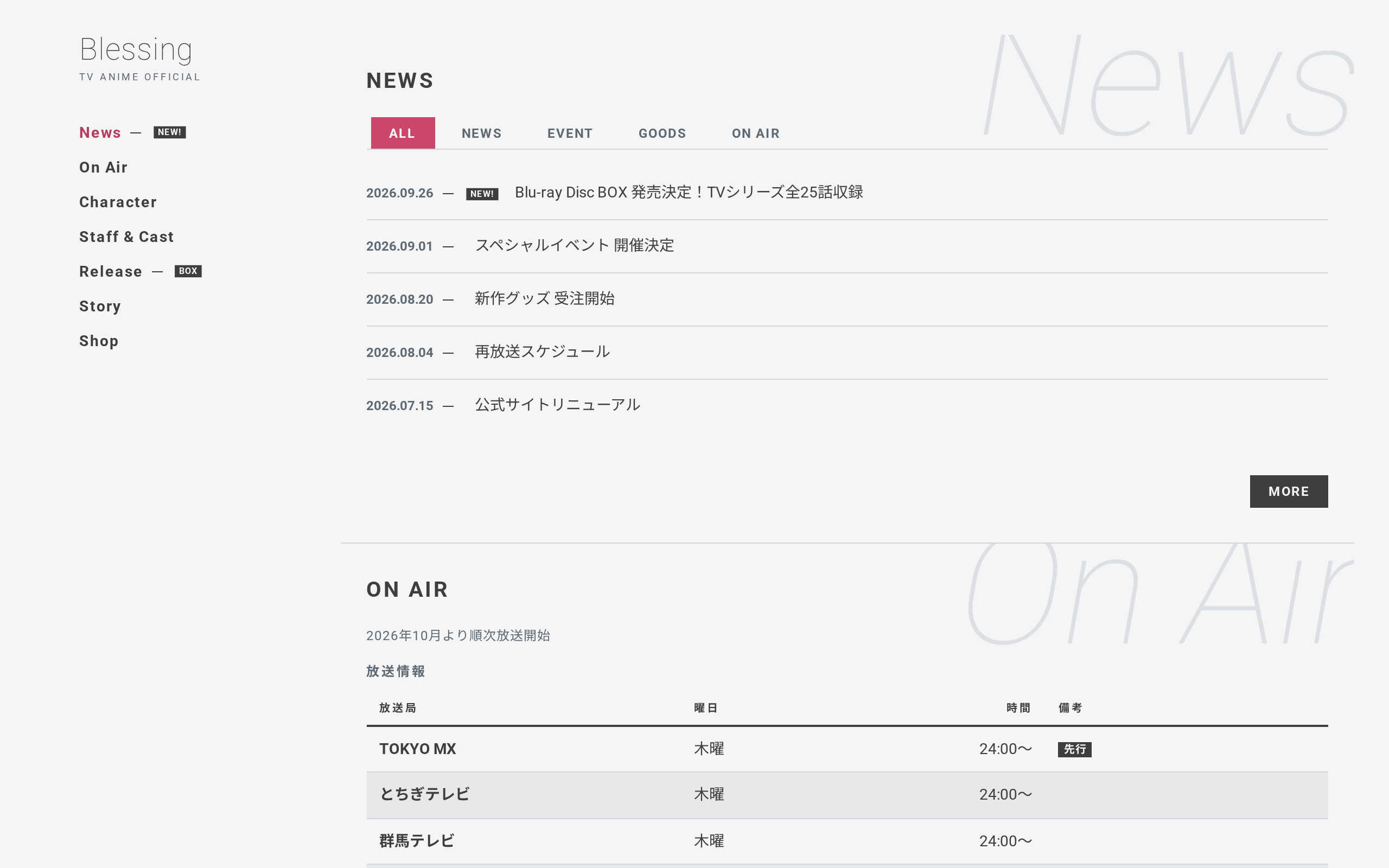
Search and the main navigation
The news list, filtered by the tabs
Broadcast times for the current season
v-modelis the list of pins:{ id, x, y, label }, withxandyin percent of the stage, so the pins stay put when the image scales. Numbers follow the order of the list.- A pin is a button named by its number and its
label, for example "1. Search". The name starts with the number on the pin, so voice control users can say it. Click it for a popover.#spot="{ spot, index }"fills the popover with anything, and thelabelis the text when you leave the slot out. One popover is open at a time.v-model:activereads or sets which. - Give it
srcandaltfor an image, or fill the default slot with a diagram, an SVG or a screenshot of your own. Pins sit on top. editableturns it into an editor. Click the stage to add a pin (it opens right away). Drag a pin to move it. To remove a pin, focus it and use the arrows (Shift for bigger steps) or Delete.addandremovefire with the pin.
Usage
ts
import { BlessHotspots } from "blessing-ui";API
Props
| Name | Type | Default | Description |
|---|---|---|---|
src | string | — | an image to pin onto; leave out and use the default slot for a diagram or anything else |
alt | string | "" | |
editable | boolean | — | click the stage to add a pin, drag to move one, Delete to remove it, arrows to nudge it |
placement | "left" | "bottom" | "top" | "right" | "top" | |
modelValue | S[] | [] | |
active | S["id"] | null | null | id of the pin whose popover is open |
Events
| Name | Payload | Description |
|---|---|---|
add | [spot: S] | |
remove | [spot: S] | |
update:modelValue | [value: S[]] | |
update:active | [value: S["id"] | null] |
Slots
| Name | Scope | Description |
|---|---|---|
default | — | |
spot | { spot: S; index: number; } |