Brand
Blessing UI's identity is the design system itself — nothing is added for the logo that a component doesn't already use. Where the system came from is the story.

Five elements
| Element | Value | Where you see it |
|---|---|---|
| Name | Blessing — a nod to a fictional software circle; see the story | wordmark, package name |
| Colour | one accent at a time — Megumi's #e85078 by default, six by palette. The mark carries the petal colours; a palette darkens where white text needs it | anything chosen (a pressed button, the current tab, a checked box), badges, the focus ring |
| Geometry | --bless-lean, −10°: upright at rest, taken on attention; big type and the mark lean always. One shape: the upright square plate; the teardrop only in the mark | every label, field, switch and chip; every petal of the mark |
| Type | Roboto 100 oversized for the voice, 700 uppercase tracked for the UI | watermark, wordmark, labels |
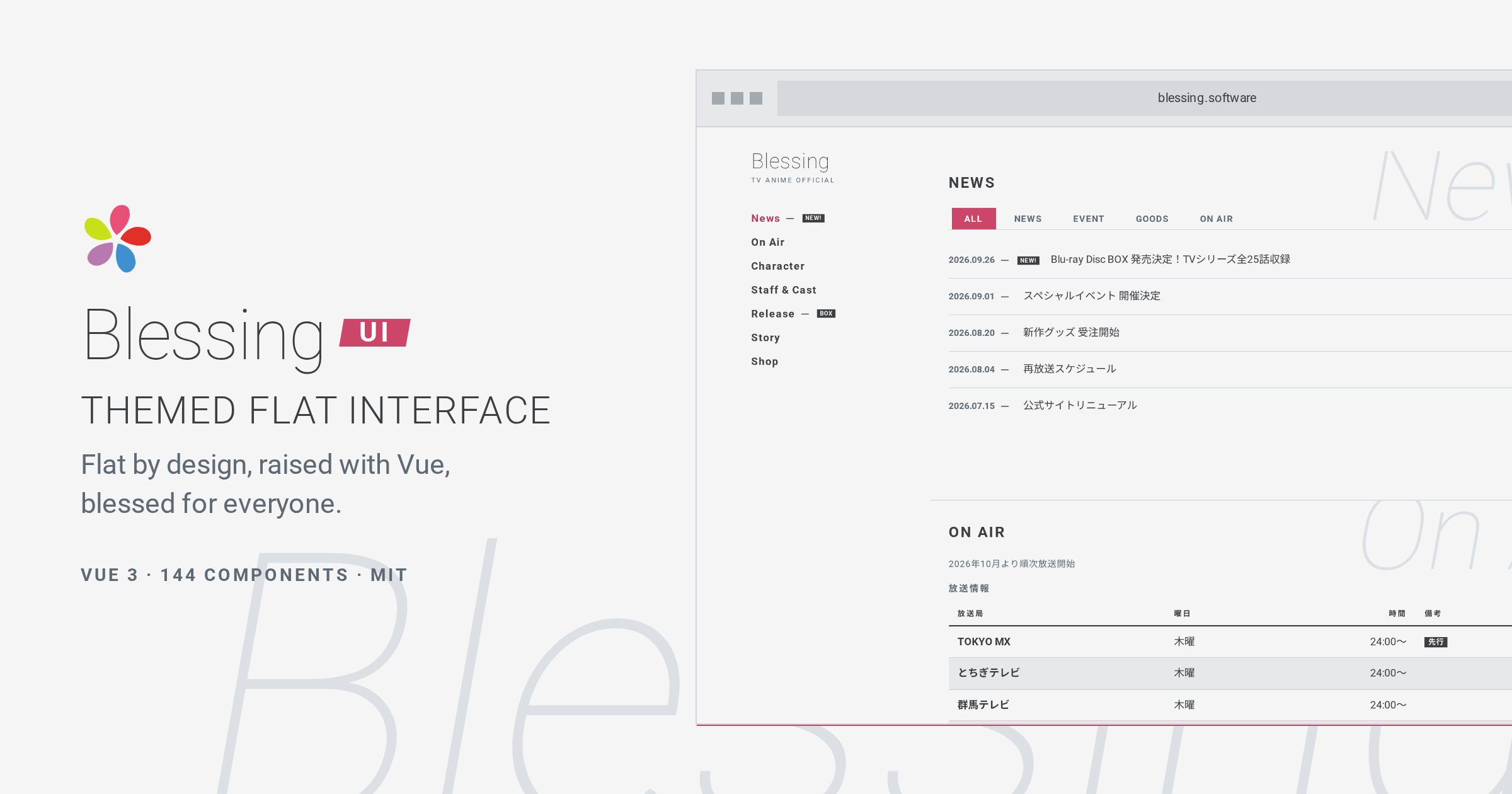
| Motif | the plate: a hard 1px accent hairline offset behind anything that floats — no blur | every popover, menu, tooltip, toast, modal; the QR frame; the site's hero shot and OG card |
Mark
The leaning flower. The fictional circle Blessing is named after has a five-petal flower for a logo, one petal per member — see the story. Ours redraws it in the system's terms: five teardrop petals, sharp at the centre and soft outside, around an empty middle, each at the house −10° lean, so the flower turns as if it just caught the wind. The five petals are five of the six palettes; the sixth, Tomoya, is the circle's founder, who belongs at the centre the mark leaves empty.
| File | Use |
|---|---|
logo.svg | any background — the five colours read on light and dark |
logo-mono.svg | one colour for footers and print; inlined on a page with the tokens, the top petal takes the accent — ink, one chosen |
favicon.svg | tab icon |
og.png | 1200×630 social card, composed from the system (below); regenerate with pnpm docs:shots |


Don't
Wordmark
Blessing in Roboto 100 (300 in dark mode, like every thin text in the system) followed by UI set in a skewed label in the current palette's accent — it re-tints with the palette. It is built from tokens, not shipped as an image — the site nav is siteTitle + CSS, the same recipe as below.
Blessing UI
Rules
- Keep the lean and the five. Don't straighten, outline, or re-space the petals, and don't swap the teardrop for a circle or a plate; don't fill the centre.
- One accent in the UI. The mark is the only place the five palette colours sit together; never recolour a petal.
- Clear space = half a petal's length on all sides.
- Minimum size 16px.
- Don't set the wordmark in any weight other than 100/300, and don't letterspace it.